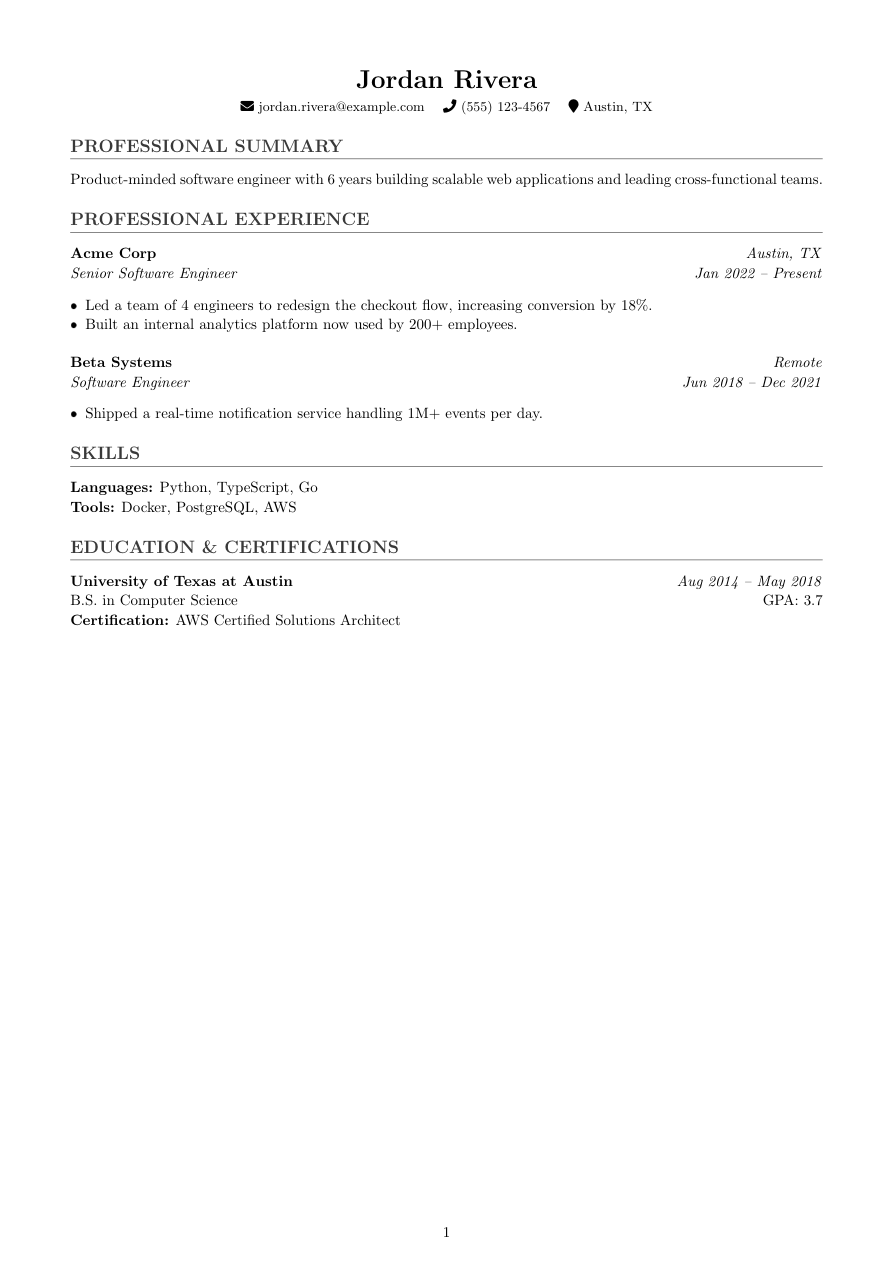
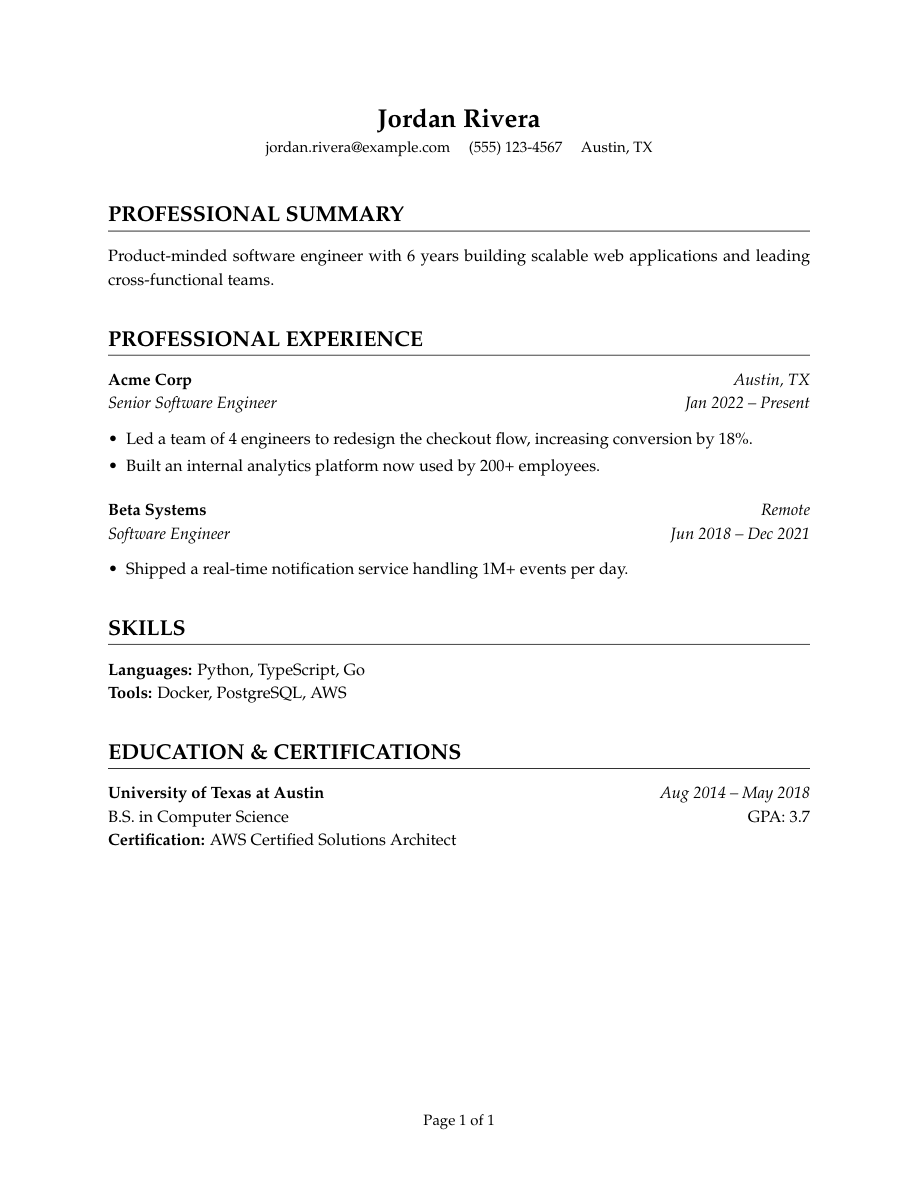
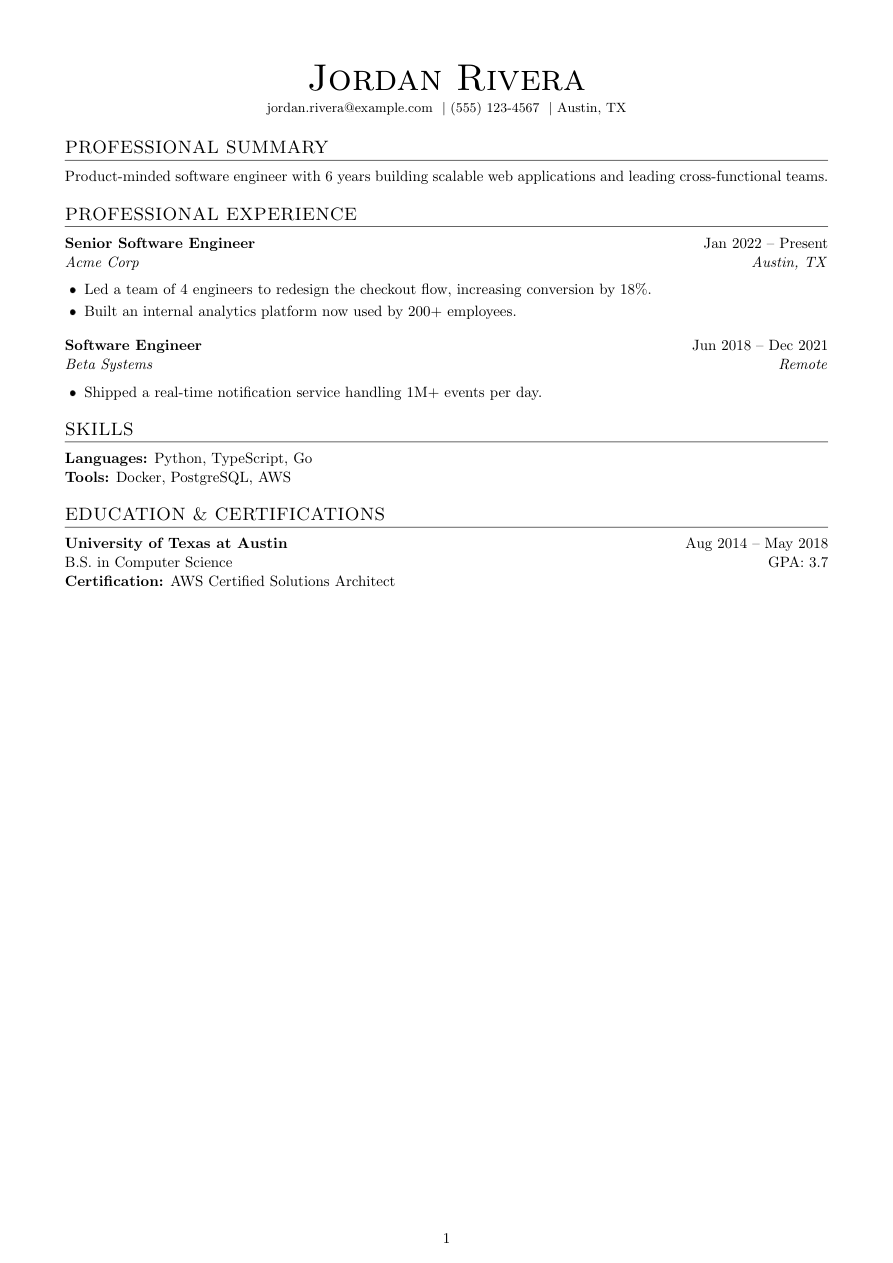
[ Template ]
Harvard resume template (LaTeX)
Harvard is the most conservative template in Refyn's library: Palatino serif (mathpazo) instead of the plainer default, bold small-caps section titles over a thin rule, and no color or icons anywhere in the document. It's modeled on the format long circulated by university career offices — the one most people mean when they say "the Harvard resume format."
It's a deliberate choice for readers who skew traditional: legal, finance, consulting, academia-adjacent roles, government — anywhere a resume with any visual flourish reads as a mismatch rather than a feature.
The restraint is the whole point. If you want your formatting to say nothing at all and let the content do the work, this is the template built for that.
Modeled on the conservative style long circulated by university career offices.
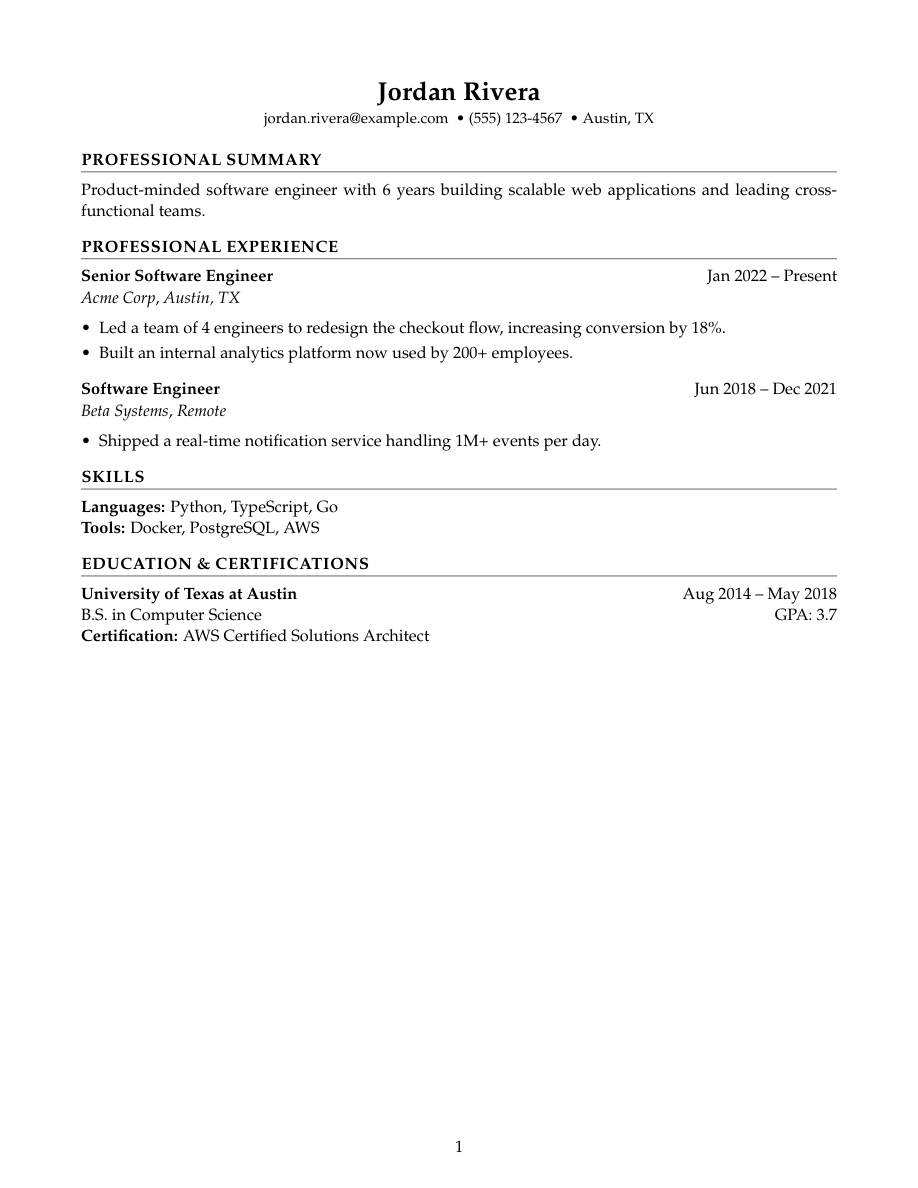
Who it's for
- You're applying to law, finance, consulting, or government roles with conservative expectations.
- You want zero visual risk — no color, no icons, nothing to react to but the words.
- You were told to use "the Harvard format" and want the real thing, not a rough copy.
Works with ATS software
Harvard is single-column LaTeX with a full, real text layer — no color, no icons, no tables, which makes it about as unambiguous as a resume gets for a parser to read. It's not associated with any ATS-specific bonus; it's simply structurally the plainest template Refyn offers, which happens to also make it easy to parse.
View the full LaTeX source
% ---------- Tagged PDF (optional) ----------
% Uncomment the next line for a tagged PDF: real reading order and list
% semantics for screen readers. Works with pdflatex on TeX Live 2023+.
% The LaTeX tagging project still labels this experimental, so it is off
% by default.
% \DocumentMetadata{lang=en-US, testphase={phase-III}}

\documentclass[letterpaper,11pt]{article}

% -------------------- Packages --------------------
\usepackage[letterpaper,margin=0.75in]{geometry}
\usepackage[T1]{fontenc}
\usepackage{titlesec}
\usepackage{enumitem}
\usepackage[hidelinks]{hyperref}
\usepackage{mathpazo}
\usepackage{etoolbox}

% -------------------- Formatting --------------------
% Harvard career-services conservative look: Palatino serif, zero color, no
% icons. Deliberately no xcolor — this template never touches color.
\setlength{\parindent}{0pt}
\setlength{\parskip}{4pt}
\linespread{1.05}
\setlist[itemize]{itemsep=-2pt,topsep=2pt,leftmargin=*}
\sloppy
\raggedbottom

% Section formatting — plain bold small-caps title over a thin rule, tight
% spacing.
\titleformat{\section}
  {\bfseries\scshape}
  {}{0em}{}[{\titlerule[0.4pt]}]

\titlespacing*{\section}{0pt}{6pt}{3pt}

% -------------------- Semantic macros --------------------
% render.py (app/services/conversion/render.py) only ever emits calls to the 11
% macros below, with data already massaged (dates joined, "Present" resolved,
% link labels derived, etc.) but with ALL visual decisions — bold/italic, hfill
% alignment, icons, separators, list styling, gap sizes — owned here. See the
% macro contract in that module's docstring before changing signatures.
% Every template MUST define all 11, including \closebullets and \entrygap.

\newtoggle{citemnotfirst}
\newtoggle{bulletsopen}
\newtoggle{skilllinenotfirst}

% \closebullets closes the itemize list \rbullet opens. render.py calls it
% right after emitting the \rbullet run for an entry. \AtEndDocument is a
% defensive backstop only, in case a future call site forgets.
\newcommand{\closebullets}{%
  \iftoggle{bulletsopen}{\end{itemize}\togglefalse{bulletsopen}}{}%
}
\AtEndDocument{\closebullets}

% Centered name at \LARGE (not \Huge — this template never shouts). NOT
% \scshape: test_template_text_is_extractable asserts the exact-case name
% ("Maya Iyer") is present in the PDF's extracted text, and mathpazo's
% small-caps virtual font (pplrc7t) reuses capital-shaped glyphs at the
% lowercase code points, so its ToUnicode mapping resolves to uppercase
% regardless of fontenc (checked both OT1 and T1) or the cmap package (which
% exists specifically to fix ToUnicode generation and still didn't help —
% this is a glyph-identity issue, not a CMap one). \MakeUppercase has the
% same problem for a different reason: it changes the underlying characters
% themselves, so the extracted text is genuinely "MAYA IYER", still failing
% the exact-case assertion. Every template's \resumeheader must reproduce the
% name verbatim for ATS text-extraction, so this one keeps \scshape for
% section titles (already-uppercase strings from render.py, so case-blind)
% but renders the name in plain bold serif instead.
\newcommand{\resumeheader}[3]{%
  \begin{center}
  {\LARGE \bfseries #1}\\[3pt]
  \ifblank{#2}{}{{\normalsize #2}\\[2pt]}%
  \small
  \togglefalse{citemnotfirst}%
  #3
  \end{center}
  \vspace{-8pt}
}

% ATS-safe and icon-free by design — #1 (kind) is only checked for "email" so
% that case gets a real mailto: link; every other kind renders plain text,
% separated by \textbullet on one centered line.
\newcommand{\citem}[3]{%
  \iftoggle{citemnotfirst}{ \textbullet\ }{\toggletrue{citemnotfirst}}%
  \ifstrequal{#1}{email}{\href{mailto:#2}{#3}}{\ifblank{#2}{#3}{\href{#2}{#3}}}%
}

\newcommand{\sectionstart}[1]{\togglefalse{skilllinenotfirst}\section*{#1}}

% Position leads in bold, dates right-flushed; employer in italics below.
\newcommand{\job}[4]{%
  \textbf{#1}\ifblank{#4}{}{ \hfill #4}\\
  \textit{#2}\ifblank{#3}{}{, \textit{#3}}%
}

\newcommand{\rbullet}[1]{%
  \iftoggle{bulletsopen}{}{\begin{itemize}\toggletrue{bulletsopen}}%
  \item #1%
}

\newcommand{\skillline}[2]{%
  \iftoggle{skilllinenotfirst}{\\}{\toggletrue{skilllinenotfirst}}%
  \textbf{#1:} #2%
}

% Institution bold, degree plain below, dates right-flushed.
\newcommand{\edu}[4]{%
  \textbf{#1}\ifblank{#3}{}{ \hfill #3}\\
  #2\ifblank{#4}{}{ \hfill GPA: #4}%
}

\newcommand{\cert}[1]{\\ \textbf{Certification:} #1}

\newcommand{\project}[4]{%
  \textbf{#1}\ifblank{#2}{}{ -- #2}\ifblank{#3}{}{ \hfill \href{#3}{[#4]}}%
}

\newcommand{\entrygap}{\vspace{4pt}}

% -------------------- Document --------------------

\begin{document}

\resumeheader{Jordan Rivera}{}{%
\citem{email}{jordan.rivera@example.com}{jordan.rivera@example.com}
\citem{phone}{}{(555) 123-4567}
\citem{location}{}{Austin, TX}}

\sectionstart{PROFESSIONAL SUMMARY}
Product-minded software engineer with 6 years building scalable web applications and leading cross-functional teams.

\sectionstart{PROFESSIONAL EXPERIENCE}
\job{Senior Software Engineer}{Acme Corp}{Austin, TX}{Jan 2022 -- Present}
\rbullet{Led a team of 4 engineers to redesign the checkout flow, increasing conversion by 18\%.}
\rbullet{Built an internal analytics platform now used by 200+ employees.}
\closebullets
\entrygap

\job{Software Engineer}{Beta Systems}{Remote}{Jun 2018 -- Dec 2021}
\rbullet{Shipped a real-time notification service handling 1M+ events per day.}
\closebullets

\sectionstart{SKILLS}
\skillline{Languages}{Python, TypeScript, Go}
\skillline{Tools}{Docker, PostgreSQL, AWS}

\sectionstart{EDUCATION \& CERTIFICATIONS}
\edu{University of Texas at Austin}{B.S. in Computer Science}{Aug 2014 -- May 2018}{3.7}
\cert{AWS Certified Solutions Architect}

\end{document}
Free to download and use anywhere. Compiles with pdflatex. This one sets Palatino through mathpazo, so it needs the psnfss package — included in full TeX Live, MacTeX and Overleaf, but not in a minimal BasicTeX install.
Common questions
Is this the official Harvard University template?
No — Harvard's career office doesn't license or officially distribute a single template. This is Refyn's implementation of the conservative style commonly called "the Harvard resume format," built from scratch in LaTeX.
Is the Harvard template good for ATS?
Yes — it's about as plain as a resume gets: single column, no color, no icons, real text layer. That structural simplicity tends to parse cleanly, though no template can guarantee a specific system's score.
Is Harvard too plain for a creative field?
Probably, yes. It's built for conservative industries where restraint reads as professional. For a design-adjacent role, Accent or Minimal carry more personality without sacrificing readability.
Can I add color to the Harvard template?
Not from the picker — it's deliberately color-free. You can edit the .tex source if you want to add it, but at that point Accent or Timeline already give you a similar structure with color built in.