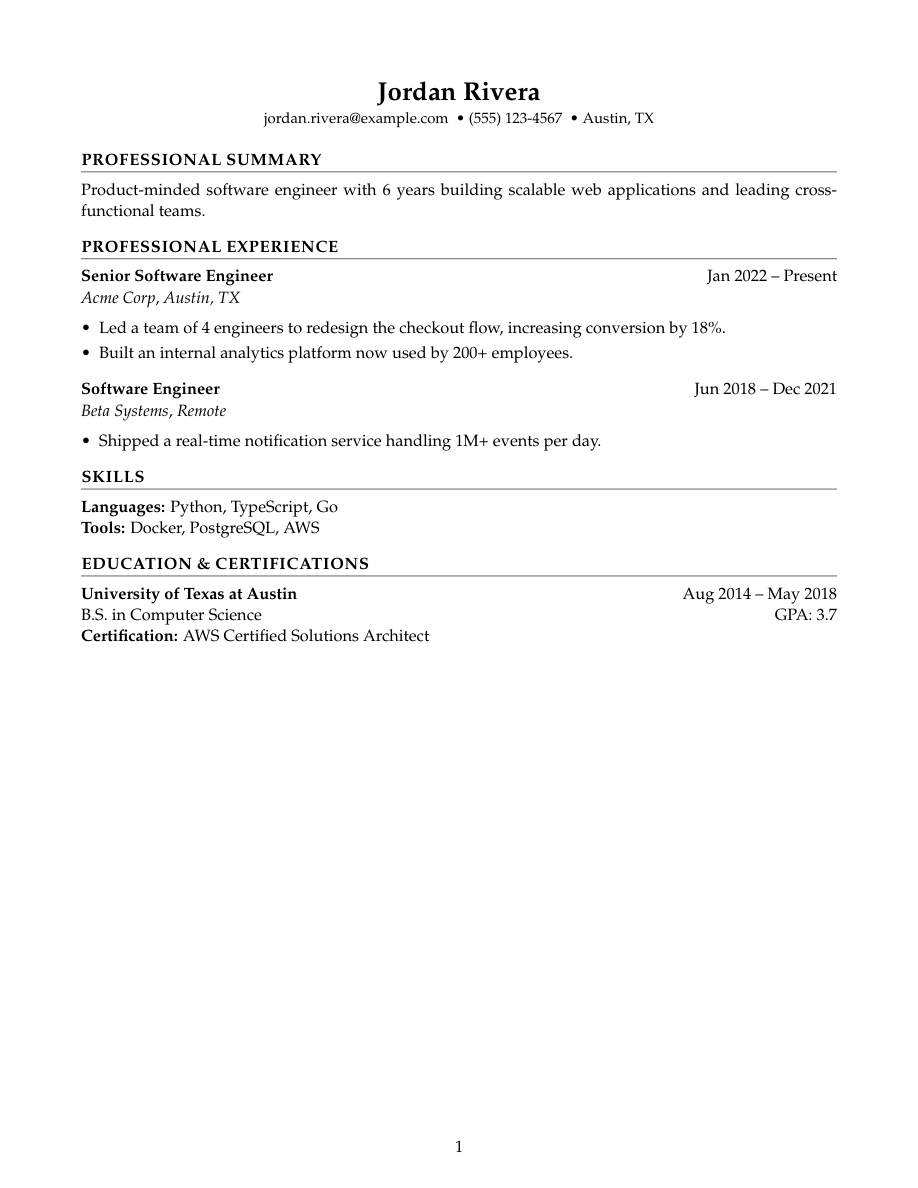
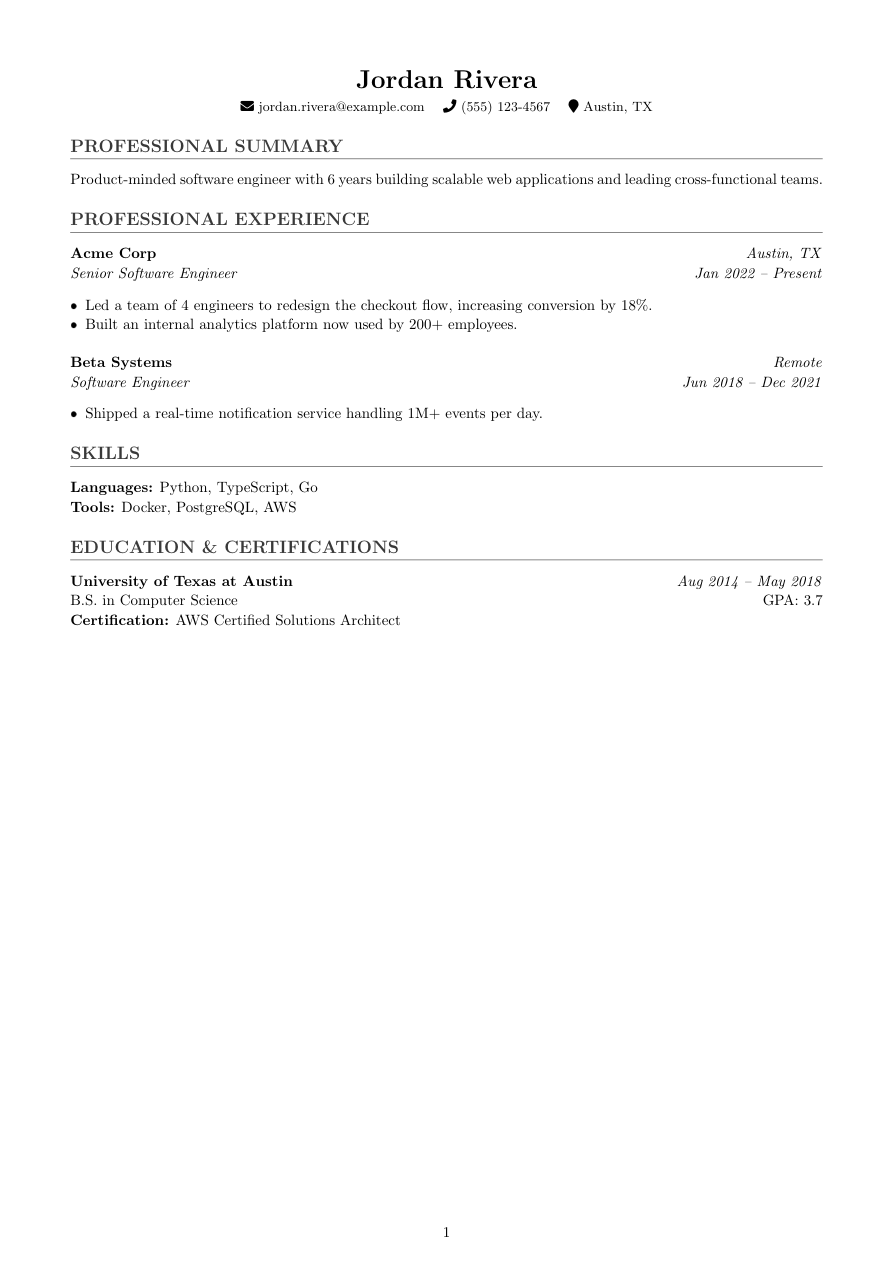
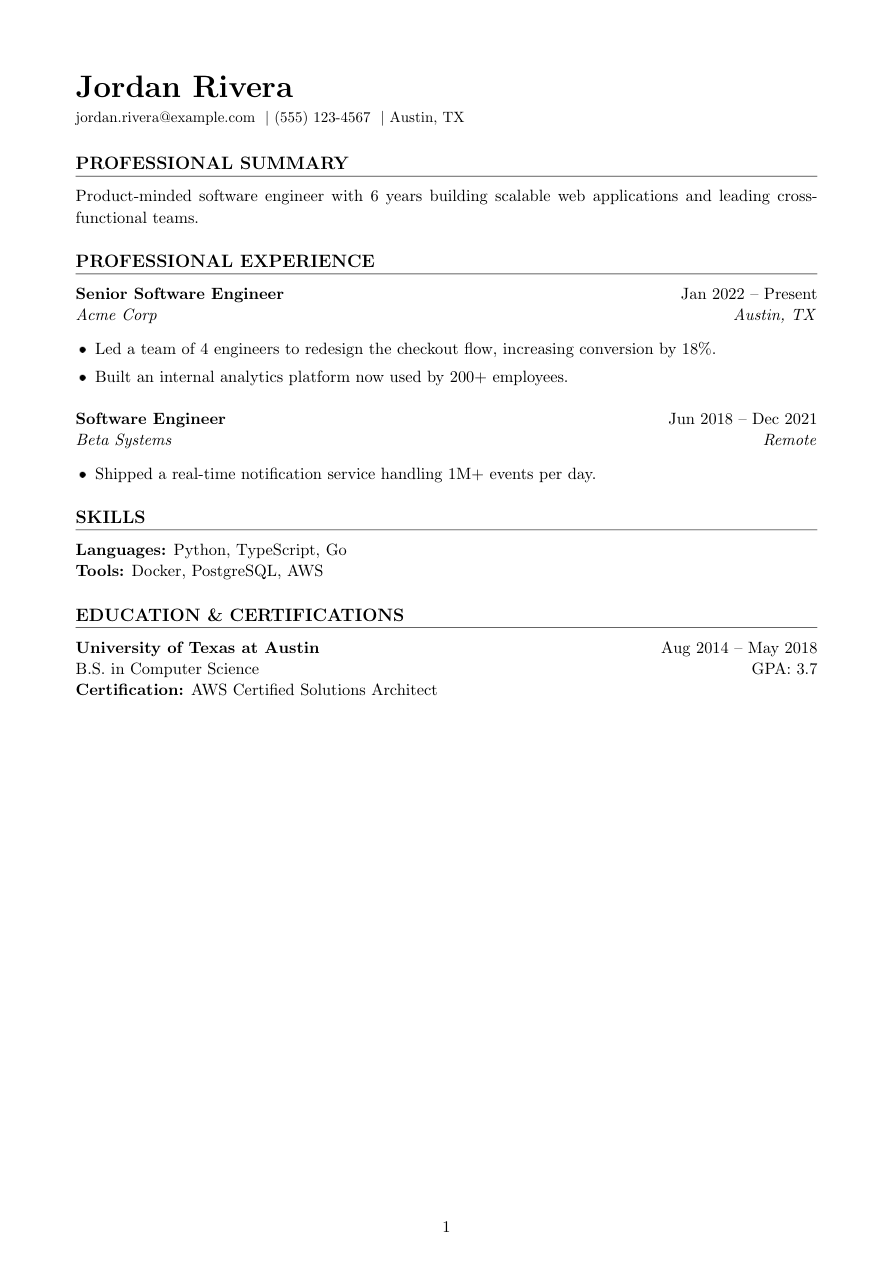
[ Template ]
Academic CV template (LaTeX)
Academic is the one template in Refyn's library built to run past a page on purpose. Palatino serif (mathpazo), a full 1in margin, larger section headings, and a "Page X of Y" footer — the whole document is set up for a CV with publications, grants, talks, and teaching history, not a one-page resume.
The spacing is looser than any other template (1.15 linespread, 6pt paragraph spacing, 14pt above each section) because a long CV needs its sections to stay visually distinct across page breaks, not just at the top of page one.
Built for PhD students, postdocs, and faculty applicants — anywhere the expected document is a CV measured in pages, not a resume measured in bullet points.
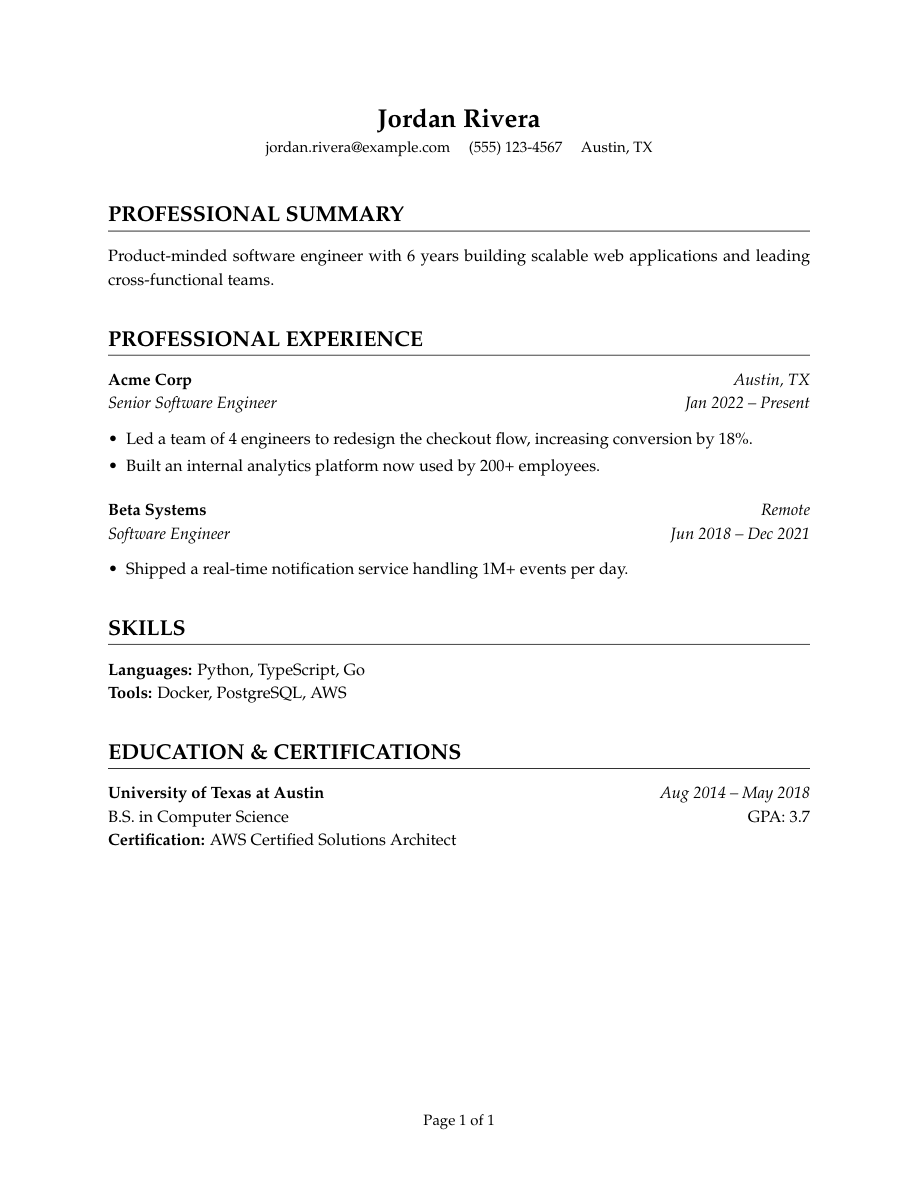
Who it's for
- You're applying to academic, research, or fellowship positions expecting a full CV.
- Your document runs several pages — publications, grants, talks, teaching.
- You want page numbers and section structure that stay legible across page breaks.
Works with ATS software
Academic is single-column LaTeX with a full text layer like every Refyn template, so a parser reads it cleanly page to page. The one honest caveat: some ATS software is built around a one-to-two page resume and may summarize or truncate a long multi-page document rather than reading it in full — worth knowing if you're submitting through a portal rather than emailing a CV directly.
View the full LaTeX source
% ---------- Tagged PDF (optional) ----------
% Uncomment the next line for a tagged PDF: real reading order and list
% semantics for screen readers. Works with pdflatex on TeX Live 2023+.
% The LaTeX tagging project still labels this experimental, so it is off
% by default.
% \DocumentMetadata{lang=en-US, testphase={phase-III}}

\documentclass[letterpaper,11pt]{article}

% -------------------- Packages --------------------
\usepackage[letterpaper,margin=1in]{geometry}
\usepackage{titlesec}
\usepackage{enumitem}
\usepackage[hidelinks]{hyperref}
\usepackage{mathpazo}
\usepackage{fancyhdr}
\usepackage{lastpage}
\usepackage{etoolbox}

% -------------------- Formatting --------------------
% The multi-page CV template — Palatino serif, generous spacing, page numbers.
\setlength{\parindent}{0pt}
\setlength{\parskip}{6pt}
\linespread{1.15}
\setlist[itemize]{itemsep=-2pt,topsep=2pt,leftmargin=*}
\sloppy
\raggedbottom

% Page numbers only in the footer. Reliability wins over trying to smuggle
% the person's name in here: \resumeheader receives the name as an argument
% at document-render time, not at preamble-load time, and there's no clean
% catcode-safe way to surface it into a \fancyhdr macro without risking a
% fragile \makeatletter dance. A plain "Page X of Y" footer is what every
% multi-page CV needs anyway.
\pagestyle{fancy}
\fancyhf{}
\fancyfoot[C]{\small Page \thepage\ of \pageref{LastPage}}
\renewcommand{\headrulewidth}{0pt}

% Section formatting — larger, more generously spaced than Classic (this
% template is built for CVs that run several pages).
\titleformat{\section}
  {\Large\bfseries}
  {}{0em}{}[{\titlerule[0.5pt]}]

\titlespacing*{\section}{0pt}{14pt}{6pt}

% -------------------- Semantic macros --------------------
% render.py (app/services/conversion/render.py) only ever emits calls to the 11
% macros below, with data already massaged (dates joined, "Present" resolved,
% link labels derived, etc.) but with ALL visual decisions — bold/italic, hfill
% alignment, icons, separators, list styling, gap sizes — owned here. See the
% macro contract in that module's docstring before changing signatures.
% Every template MUST define all 11, including \closebullets and \entrygap.

\newtoggle{citemnotfirst}
\newtoggle{bulletsopen}
\newtoggle{skilllinenotfirst}

% \closebullets closes the itemize list \rbullet opens. render.py calls it
% right after emitting the \rbullet run for an entry. \AtEndDocument is a
% defensive backstop only, in case a future call site forgets.
\newcommand{\closebullets}{%
  \iftoggle{bulletsopen}{\end{itemize}\togglefalse{bulletsopen}}{}%
}
\AtEndDocument{\closebullets}

\newcommand{\resumeheader}[3]{%
  \begin{center}
  {\LARGE \textbf{#1}}\\[3pt]
  \ifblank{#2}{}{{\normalsize #2}\\[2pt]}%
  \small
  \togglefalse{citemnotfirst}%
  #3
  \end{center}
  \vspace{-6pt}
}

% #1 kind: phone|email|linkedin|github|website|location. #2 url (raw, may be
% empty). #3 label (already LaTeX-escaped by render.py).
\newcommand{\citem}[3]{%
  \iftoggle{citemnotfirst}{\quad}{\toggletrue{citemnotfirst}}%
  \ifstrequal{#1}{email}{\href{mailto:#2}{#3}}{\ifblank{#2}{#3}{\href{#2}{#3}}}%
}

\newcommand{\sectionstart}[1]{\togglefalse{skilllinenotfirst}\section*{#1}}

\newcommand{\job}[4]{%
  \textbf{#2}\ifblank{#3}{}{ \hfill \textit{#3}}\\
  \textit{#1} \hfill \textit{#4}%
}

\newcommand{\rbullet}[1]{%
  \iftoggle{bulletsopen}{}{\begin{itemize}\toggletrue{bulletsopen}}%
  \item #1%
}

\newcommand{\skillline}[2]{%
  \iftoggle{skilllinenotfirst}{\\}{\toggletrue{skilllinenotfirst}}%
  \textbf{#1:} #2%
}

\newcommand{\edu}[4]{%
  \textbf{#1}\ifblank{#3}{}{ \hfill \textit{#3}}\\
  #2\ifblank{#4}{}{ \hfill GPA: #4}%
}

\newcommand{\cert}[1]{\\ \textbf{Certification:} #1}

\newcommand{\project}[4]{%
  \textbf{#1}\ifblank{#2}{}{ -- #2}\ifblank{#3}{}{ \hfill \href{#3}{[#4]}}%
}

\newcommand{\entrygap}{\vspace{6pt}}

% -------------------- Document --------------------

\begin{document}

\resumeheader{Jordan Rivera}{}{%
\citem{email}{jordan.rivera@example.com}{jordan.rivera@example.com}
\citem{phone}{}{(555) 123-4567}
\citem{location}{}{Austin, TX}}

\sectionstart{PROFESSIONAL SUMMARY}
Product-minded software engineer with 6 years building scalable web applications and leading cross-functional teams.

\sectionstart{PROFESSIONAL EXPERIENCE}
\job{Senior Software Engineer}{Acme Corp}{Austin, TX}{Jan 2022 -- Present}
\rbullet{Led a team of 4 engineers to redesign the checkout flow, increasing conversion by 18\%.}
\rbullet{Built an internal analytics platform now used by 200+ employees.}
\closebullets
\entrygap

\job{Software Engineer}{Beta Systems}{Remote}{Jun 2018 -- Dec 2021}
\rbullet{Shipped a real-time notification service handling 1M+ events per day.}
\closebullets

\sectionstart{SKILLS}
\skillline{Languages}{Python, TypeScript, Go}
\skillline{Tools}{Docker, PostgreSQL, AWS}

\sectionstart{EDUCATION \& CERTIFICATIONS}
\edu{University of Texas at Austin}{B.S. in Computer Science}{Aug 2014 -- May 2018}{3.7}
\cert{AWS Certified Solutions Architect}

\end{document}
Free to download and use anywhere. Compiles with pdflatex. It needs the psnfss package for its Palatino body font (mathpazo) — bundled with full TeX Live, MacTeX and Overleaf, but not with a minimal BasicTeX install.
Common questions
Can Academic handle a 5-page CV?
Yes — it has no page limit built in, and the page-number footer (Page X of Y) is designed for exactly that length.
Will a long CV get cut off by ATS software?
Some systems are built around shorter resumes and may summarize or truncate a long document. If you're submitting through a portal rather than emailing directly, it's worth checking whether they expect a CV or a one-page resume.
Is Academic different from a resume template with more content?
Yes — it's structurally built for length: bigger margins, looser spacing, page numbers. Stretching a one-page template like Classic to several pages instead would look thin and awkwardly spaced by comparison.
Can I use Academic for a standard job application?
You can, but it's built for CV-length documents. For a one-to-two page resume, Classic, Jake's, or Harvard will read as more appropriately scaled.