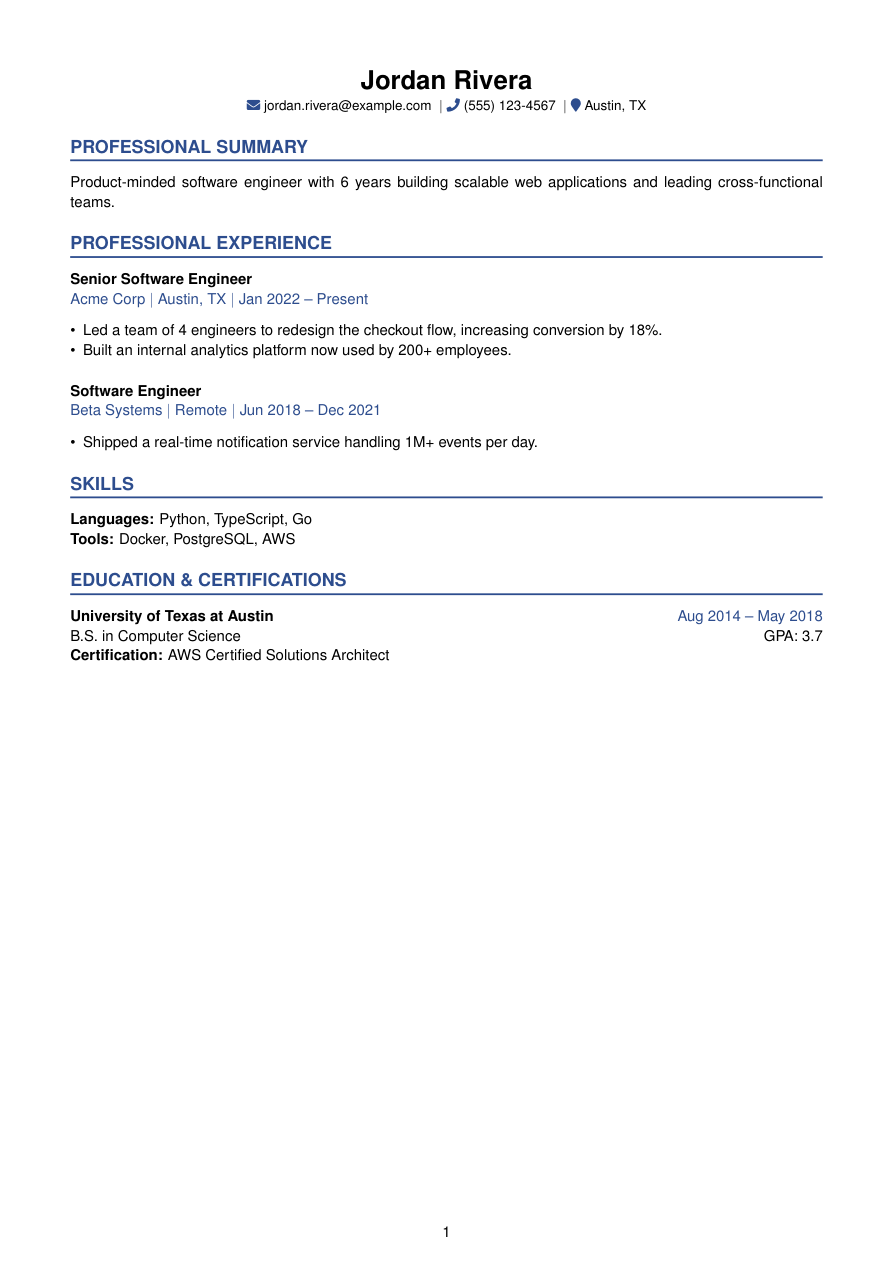
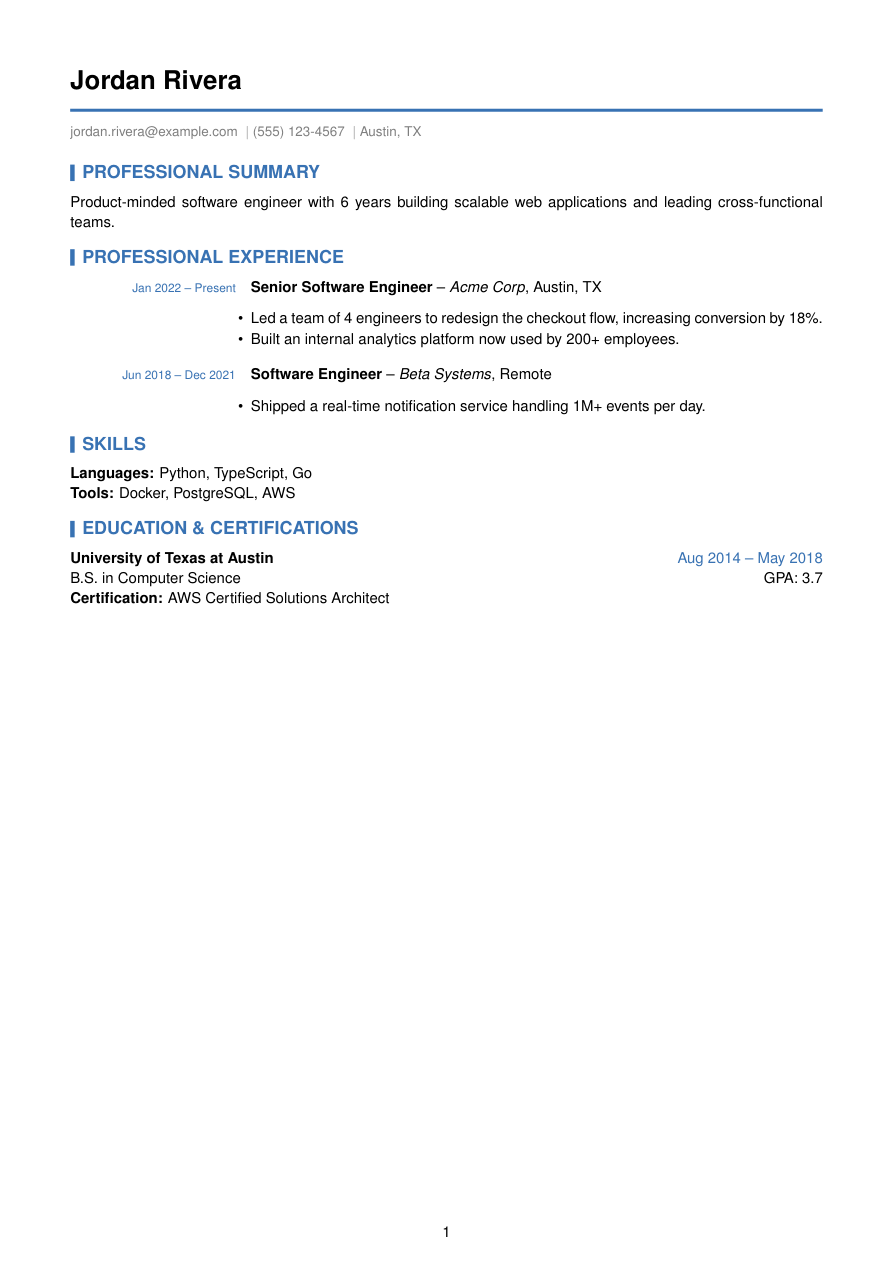
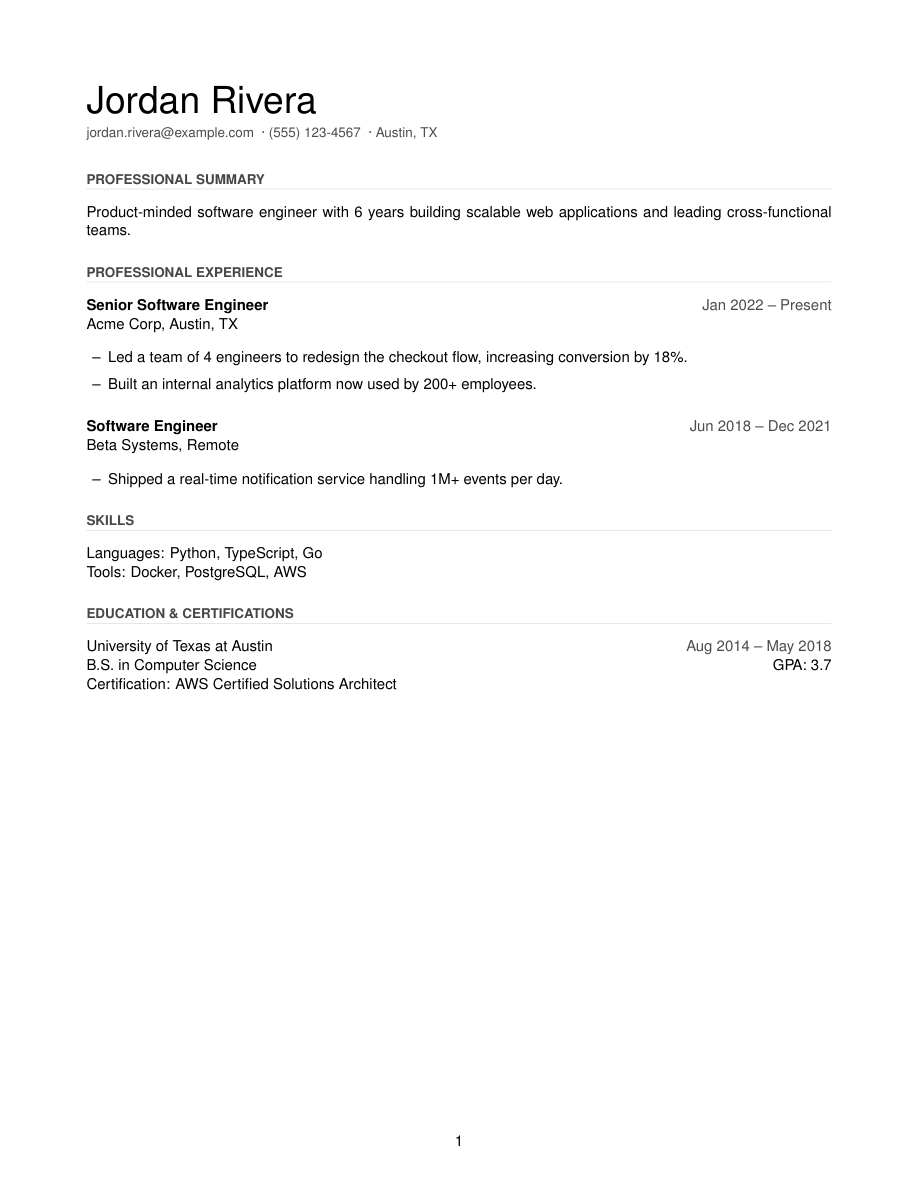
[ Template ]
Modern LaTeX resume template with a banner rule
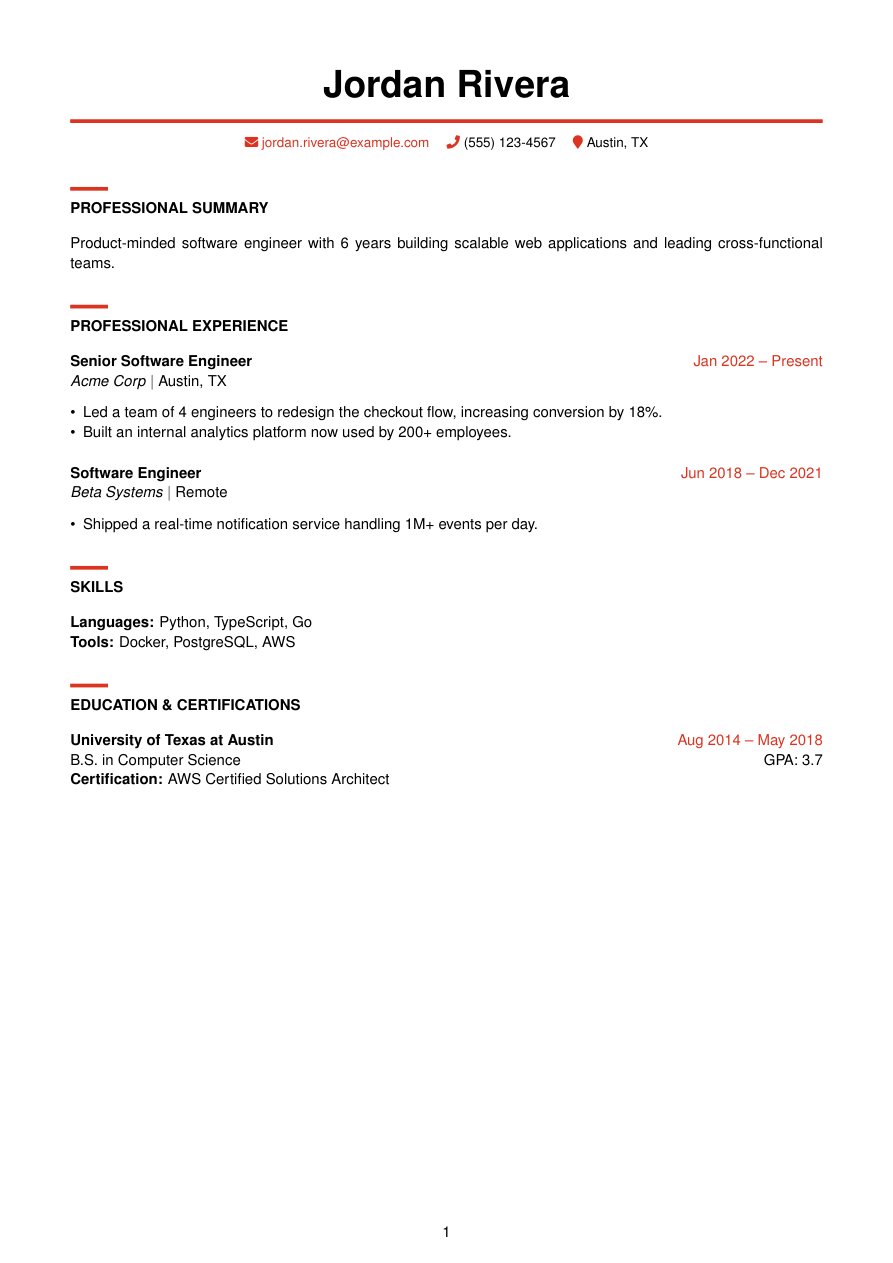
Banner is the boldest template in Refyn's library — a red (#DC3522) rule segment stacked above each uppercase section heading, a full-width banner rule under a huge centered name, and colored FontAwesome icons on the contact line. It takes its energy from Awesome-CV, one of the most-recognized designed LaTeX resumes.
It's an original pdflatex implementation of that look (see the note below) — same visual signature, rebuilt from scratch on Refyn's template engine so it renders through Refyn's standard pipeline instead of Awesome-CV's own class file.
Reach for it when you want a resume that visibly signals design sensibility — product design, marketing, brand, or any role where a template that looks considered is itself a small proof point.
Inspired by posquit0's Awesome-CV — an original pdflatex implementation of the banner-and-accent look.
Who it's for
- You want your resume to visibly signal design taste — design, brand, marketing, creative-adjacent roles.
- You've seen Awesome-CV resumes before and want that look without maintaining a XeLaTeX build.
- You're comfortable with a resume that reads as "designed," not just formatted.
Works with ATS software
Banner is single-column LaTeX with a real text layer underneath the color — the red rule and icons are visual only (xcolor and fontawesome5 glyphs), and the text an ATS parses is the same plain content as any other Refyn template. The one thing worth knowing: this is the most visually bold template in the library, so it's a stronger fit for industries where "designed" reads as a plus, not a distraction.
View the full LaTeX source
% ---------- Tagged PDF (optional) ----------
% Uncomment the next line for a tagged PDF: real reading order and list
% semantics for screen readers. Works with pdflatex on TeX Live 2023+.
% The LaTeX tagging project still labels this experimental, so it is off
% by default.
% \DocumentMetadata{lang=en-US, testphase={phase-III}}

\documentclass[a4paper,10pt]{article}

% -------------------- Packages --------------------
\usepackage[a4paper,margin=0.65in]{geometry}
\usepackage{titlesec}
\usepackage{enumitem}
\usepackage{xcolor}

% Awesome-CV-inspired red — must be defined before hyperref's [colorlinks]
% options reference it, so xcolor + \definecolor run first (see above/below).
\definecolor{awesome}{HTML}{DC3522}

\usepackage[colorlinks=true,urlcolor=awesome,linkcolor=awesome]{hyperref}
\usepackage{fontawesome5}
\usepackage{helvet}
\usepackage{etoolbox}

\renewcommand{\familydefault}{\sfdefault}

% -------------------- Formatting --------------------
\setlength{\parindent}{0pt}
\setlength{\parskip}{6pt}
\linespread{1.1}
\setlist[itemize]{itemsep=-4pt,topsep=2pt,leftmargin=*}
\sloppy
\raggedbottom

% Section formatting — a short bold colored rule segment stacked above
% uppercase bold sans title text (the Awesome-CV signature).
\titleformat{\section}
  {\bfseries}{}{0em}
  {\textcolor{awesome}{\rule{0.35in}{2.5pt}}\\[2pt]}
\titlespacing*{\section}{0pt}{8pt}{4pt}

% -------------------- Semantic macros --------------------
% render.py (app/services/conversion/render.py) only ever emits calls to the 11
% macros below, with data already massaged (dates joined, "Present" resolved,
% link labels derived, etc.) but with ALL visual decisions — bold/italic, hfill
% alignment, icons, separators, list styling, gap sizes — owned here. See the
% macro contract in that module's docstring before changing signatures.
% Every template MUST define all 11, including \closebullets and \entrygap.

\newtoggle{citemnotfirst}
\newtoggle{bulletsopen}
\newtoggle{skilllinenotfirst}

% \closebullets closes the itemize list \rbullet opens. render.py calls it
% right after emitting the \rbullet run for an entry. \AtEndDocument is a
% defensive backstop only, in case a future call site forgets.
\newcommand{\closebullets}{%
  \iftoggle{bulletsopen}{\end{itemize}\togglefalse{bulletsopen}}{}%
}
\AtEndDocument{\closebullets}

% Huge bold name, immediately followed by a full-width 2.5pt colored banner
% rule, contact line underneath with colored icons. Rule and contact line stay
% inside the same \begin{center}...\end{center} as the name — closing and
% reopening center (or breaking the rule out as its own paragraph) each add
% list-environment spacing (topsep/parsep) on top of \parskip, which stacked
% into a large dead gap under the rule. One center block + explicit \\[4pt]
% keeps the gap deliberate and small.
\newcommand{\resumeheader}[3]{%
  \begin{center}
  {\Huge \bfseries #1}\\[4pt]
  \ifblank{#2}{}{{\color{awesome}\normalsize #2}\\[2pt]}%
  {\color{awesome}\rule{\linewidth}{2.5pt}}\\[4pt]
  \small
  \togglefalse{citemnotfirst}%
  #3
  \end{center}
  \vspace{-8pt}
}

% #1 kind: phone|email|linkedin|github|website|location. #2 url (raw, may be
% empty). #3 label (already LaTeX-escaped by render.py).
\newcommand{\citem}[3]{%
  \iftoggle{citemnotfirst}{\quad}{\toggletrue{citemnotfirst}}%
  \ifstrequal{#1}{phone}{\textcolor{awesome}{\faPhone}~#3}{%
  \ifstrequal{#1}{email}{\textcolor{awesome}{\faEnvelope}~\href{mailto:#2}{#3}}{%
  \ifstrequal{#1}{linkedin}{\textcolor{awesome}{\faLinkedin}~\href{#2}{#3}}{%
  \ifstrequal{#1}{github}{\textcolor{awesome}{\faGithub}~\href{#2}{#3}}{%
  \ifstrequal{#1}{website}{\textcolor{awesome}{\faGlobe}~\href{#2}{#3}}{%
  \ifstrequal{#1}{location}{\textcolor{awesome}{\faMapMarker}~#3}{}%
  }}}}}%
}

\newcommand{\sectionstart}[1]{\togglefalse{skilllinenotfirst}\section*{\MakeUppercase{#1}}}

\newcommand{\job}[4]{%
  \textbf{#1}\ifblank{#4}{}{ \hfill \textcolor{awesome}{#4}}\\
  \textit{#2}\ifblank{#3}{}{ \textbar\ #3}%
}

\newcommand{\rbullet}[1]{%
  \iftoggle{bulletsopen}{}{\begin{itemize}\toggletrue{bulletsopen}}%
  \item #1%
}

\newcommand{\skillline}[2]{%
  \iftoggle{skilllinenotfirst}{\\}{\toggletrue{skilllinenotfirst}}%
  \textbf{#1:} #2%
}

\newcommand{\edu}[4]{%
  \textbf{#1}\ifblank{#3}{}{ \hfill \textcolor{awesome}{#3}}\\
  #2\ifblank{#4}{}{ \hfill GPA: #4}%
}

\newcommand{\cert}[1]{\\ \textbf{Certification:} #1}

\newcommand{\project}[4]{%
  \textbf{#1}\ifblank{#2}{}{ -- #2}\ifblank{#3}{}{ \hfill \href{#3}{[#4]}}%
}

\newcommand{\entrygap}{\vspace{6pt}}

% -------------------- Document --------------------

\begin{document}

\resumeheader{Jordan Rivera}{}{%
\citem{email}{jordan.rivera@example.com}{jordan.rivera@example.com}
\citem{phone}{}{(555) 123-4567}
\citem{location}{}{Austin, TX}}

\sectionstart{PROFESSIONAL SUMMARY}
Product-minded software engineer with 6 years building scalable web applications and leading cross-functional teams.

\sectionstart{PROFESSIONAL EXPERIENCE}
\job{Senior Software Engineer}{Acme Corp}{Austin, TX}{Jan 2022 -- Present}
\rbullet{Led a team of 4 engineers to redesign the checkout flow, increasing conversion by 18\%.}
\rbullet{Built an internal analytics platform now used by 200+ employees.}
\closebullets
\entrygap

\job{Software Engineer}{Beta Systems}{Remote}{Jun 2018 -- Dec 2021}
\rbullet{Shipped a real-time notification service handling 1M+ events per day.}
\closebullets

\sectionstart{SKILLS}
\skillline{Languages}{Python, TypeScript, Go}
\skillline{Tools}{Docker, PostgreSQL, AWS}

\sectionstart{EDUCATION \& CERTIFICATIONS}
\edu{University of Texas at Austin}{B.S. in Computer Science}{Aug 2014 -- May 2018}{3.7}
\cert{AWS Certified Solutions Architect}

\end{document}
Free to download and use anywhere. Compiles with pdflatex.
Common questions
Is this the real Awesome-CV template?
No — it's an original implementation inspired by Awesome-CV's look, rebuilt from scratch to render with Refyn's standard pdflatex pipeline rather than Awesome-CV's own class file.
Will the red color and icons hurt my ATS parsing?
No — they're drawn in the visual layer only. The text layer underneath is plain, unstyled content, same as every other Refyn template.
Is Banner too bold for a corporate application?
It can be, depending on the company. It's built for roles where visual polish is an asset — design, marketing, brand. For a more conservative reader, Classic or Harvard are safer.
Can I turn off the icons but keep the red accent?
Not from the picker — icons are part of Banner's contact-line design. You're free to edit the downloaded .tex source directly if you want to drop them.