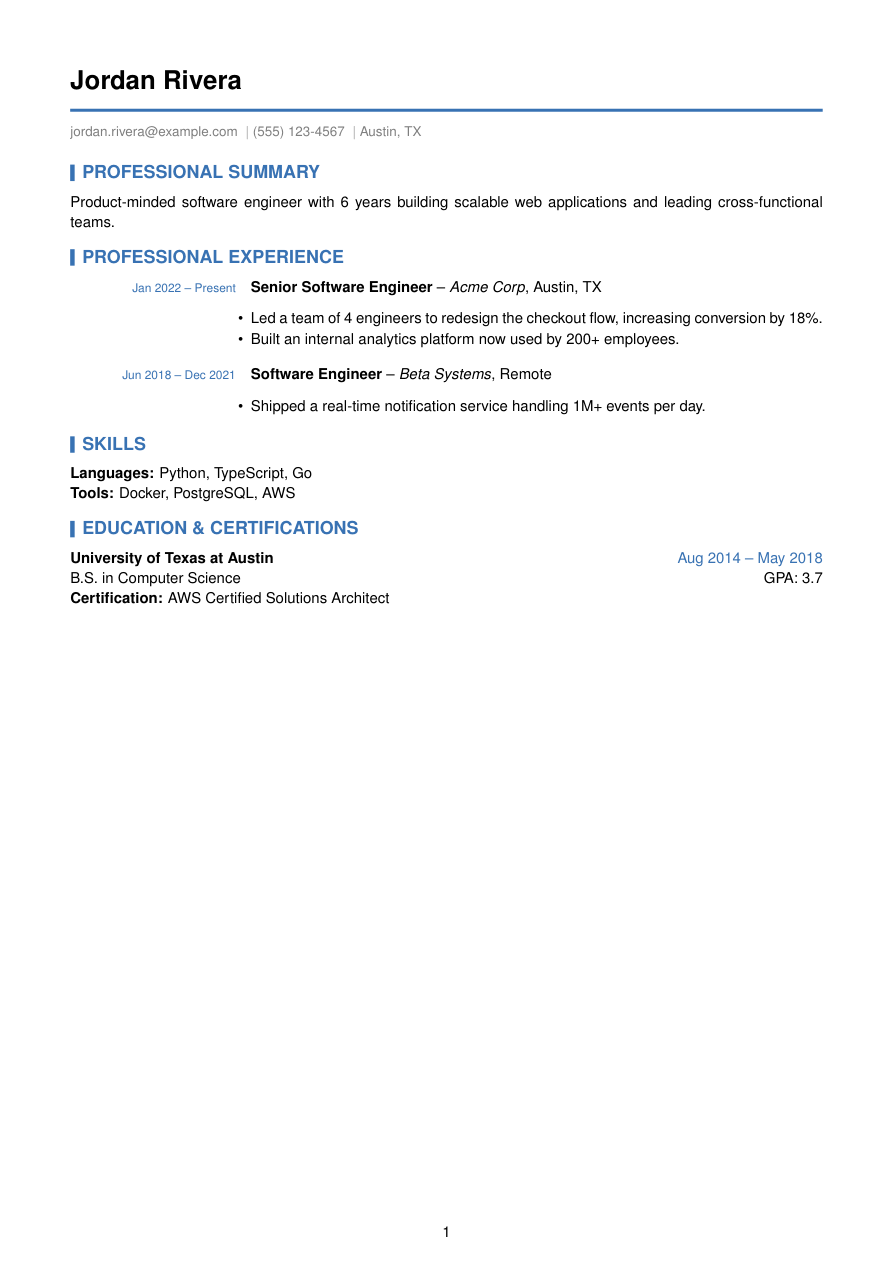
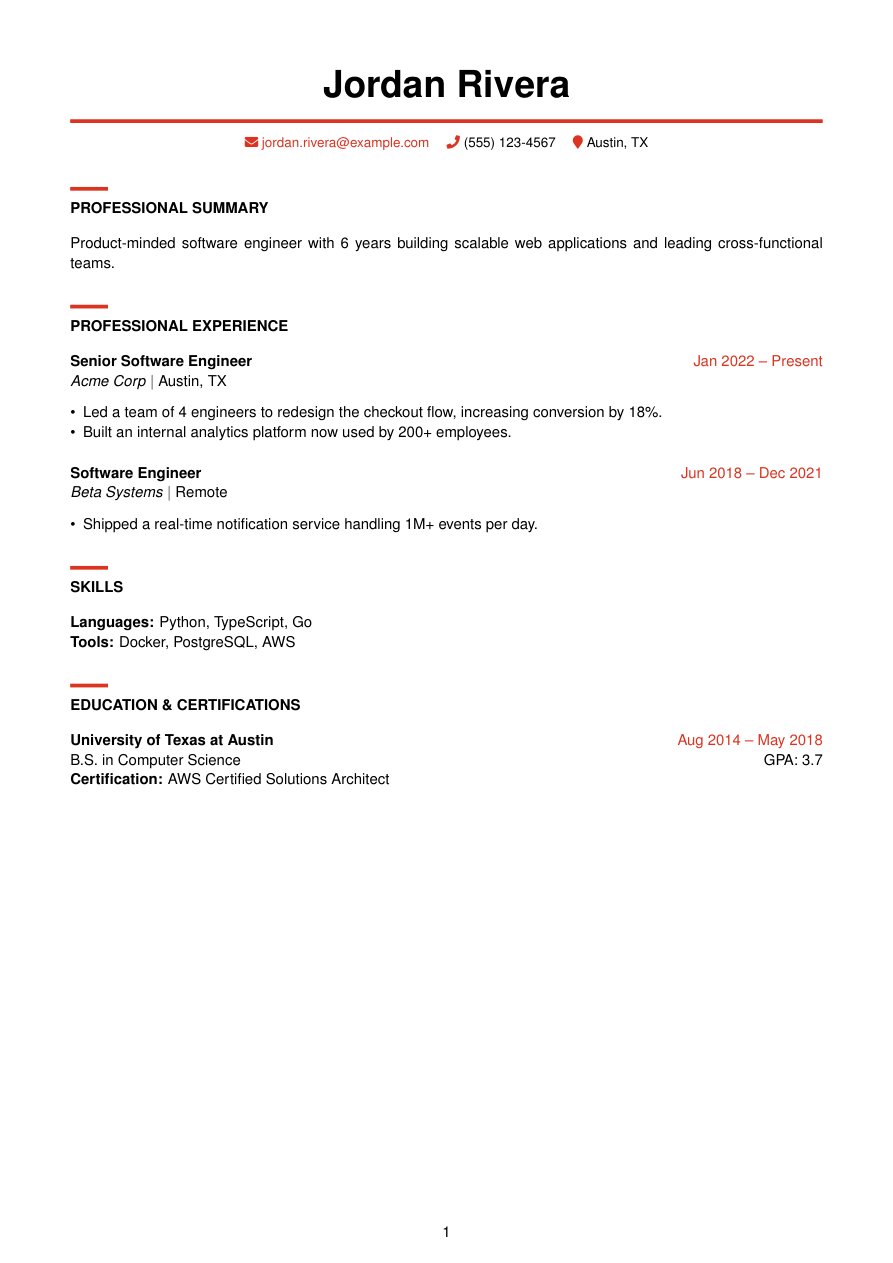
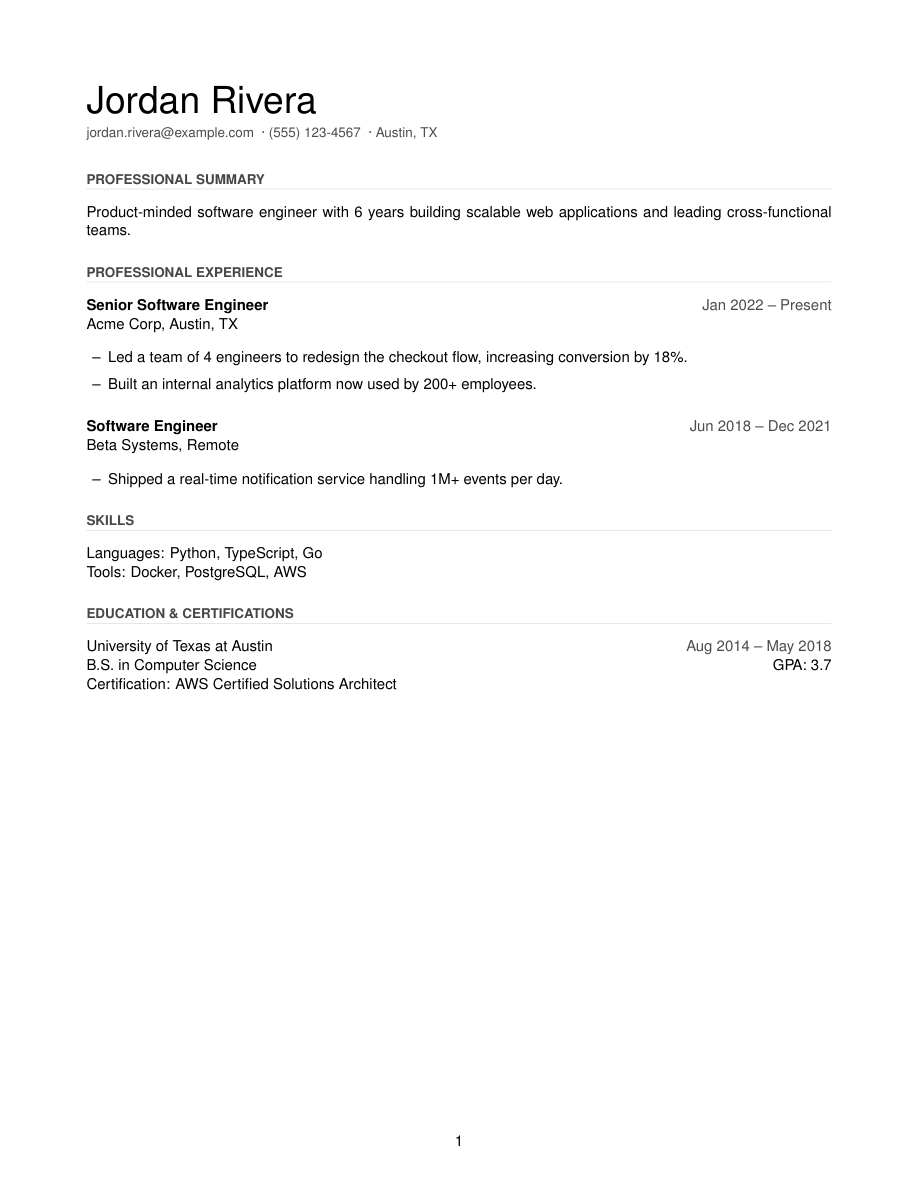
[ Template ]
Modern LaTeX resume template with a color accent
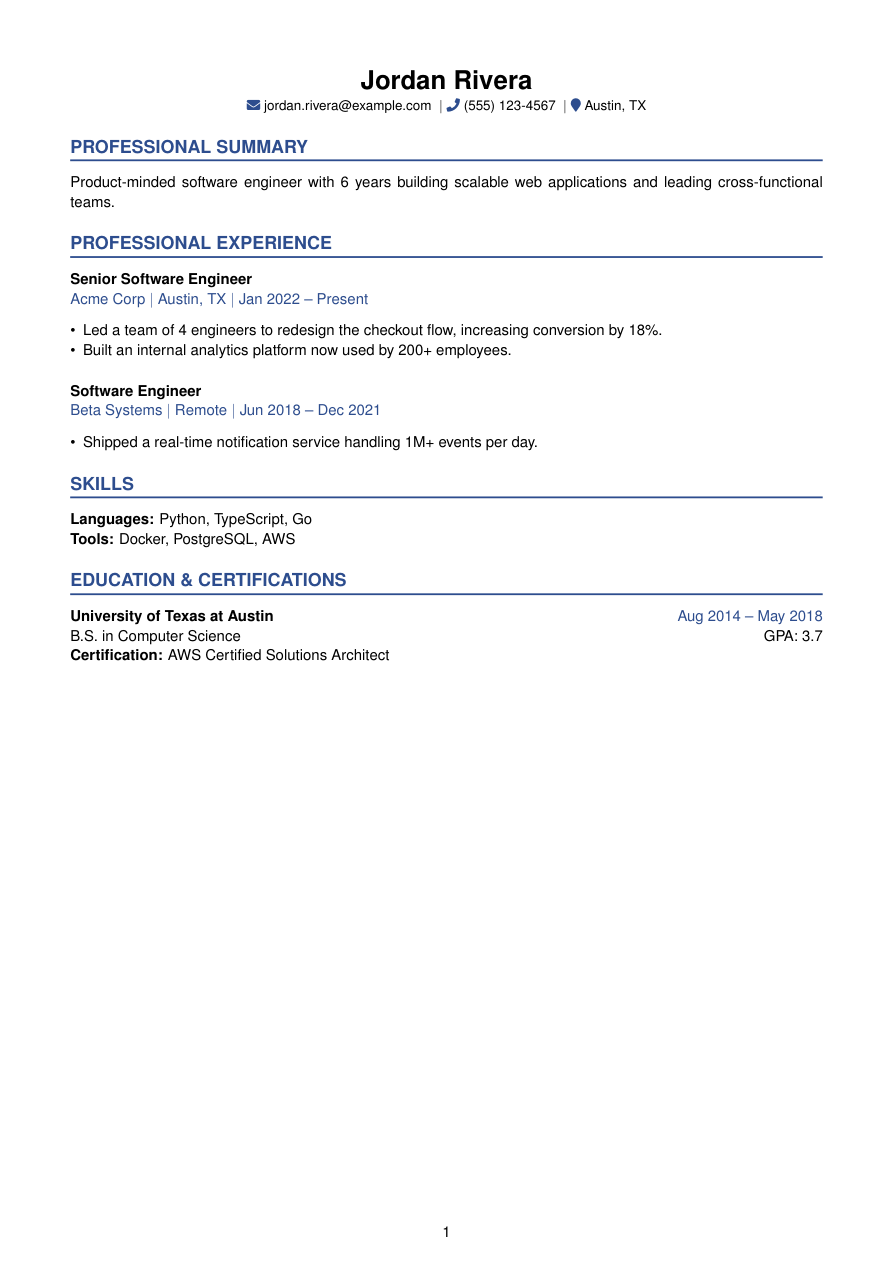
Accent takes the same information-first structure as Classic and adds one deliberate color choice: a deep navy (#2E4E8F) on section titles and the rule beneath them. Everything else — the sans-serif body, the spacing, the layout — stays restrained, so the color reads as a design decision, not decoration.
It's built for people who want a resume that looks considered without looking loud — a single accent color is enough to stand out in a stack of black-and-white PDFs, without tipping into a "designed" resume that reads as trying too hard.
Works well for roles where a little visual polish is expected — marketing, product, customer-facing — without going as far as a heavily branded resume.
Who it's for
- You want a hint of personality without a full redesign.
- You're applying to roles where a plain black-and-white resume feels a little flat — marketing, product, customer-facing.
- You like Classic's structure but want something that looks less like a form template.
Works with ATS software
Accent is single-column LaTeX with a real text layer — the navy color lives in the visual layer only (titlesec and xcolor), it doesn't touch the text an ATS extracts, so it reads identically to Classic to any parser. The color is genuinely just for the human reading it after the ATS passes it along.
View the full LaTeX source
% ---------- Tagged PDF (optional) ----------
% Uncomment the next line for a tagged PDF: real reading order and list
% semantics for screen readers. Works with pdflatex on TeX Live 2023+.
% The LaTeX tagging project still labels this experimental, so it is off
% by default.
% \DocumentMetadata{lang=en-US, testphase={phase-III}}

\documentclass[a4paper,10pt]{article}

% -------------------- Packages --------------------
\usepackage[a4paper,margin=0.65in]{geometry}
\usepackage{titlesec}
\usepackage{enumitem}
\usepackage[hidelinks]{hyperref}
\usepackage{fontawesome5}
\usepackage{xcolor}
\usepackage{helvet}
\usepackage{etoolbox}

\renewcommand{\familydefault}{\sfdefault}

% Deep navy accent — the "touch of color" this template is named for.
\definecolor{accent}{HTML}{2E4E8F}

% -------------------- Formatting --------------------
\setlength{\parindent}{0pt}
\setlength{\parskip}{6pt}
\linespread{1.1}
\setlist[itemize]{itemsep=-4pt,topsep=2pt,leftmargin=*}
\sloppy
\raggedbottom

% Section formatting — accent-colored uppercase title with a 1.2pt accent rule.
\titleformat{\section}
  {\large\bfseries\color{accent}}
  {}{0em}{}[{\color{accent}\titlerule[1.2pt]}]

\titlespacing*{\section}{0pt}{7pt}{4pt}

% -------------------- Semantic macros --------------------
% render.py (app/services/conversion/render.py) only ever emits calls to the 11
% macros below, with data already massaged (dates joined, "Present" resolved,
% link labels derived, etc.) but with ALL visual decisions — bold/italic, hfill
% alignment, icons, separators, list styling, gap sizes — owned here. See the
% macro contract in that module's docstring before changing signatures.
% Every template MUST define all 11, including \closebullets and \entrygap.

\newtoggle{citemnotfirst}
\newtoggle{bulletsopen}
\newtoggle{skilllinenotfirst}

% \closebullets closes the itemize list \rbullet opens. render.py calls it
% right after emitting the \rbullet run for an entry. \AtEndDocument is a
% defensive backstop only, in case a future call site forgets.
\newcommand{\closebullets}{%
  \iftoggle{bulletsopen}{\end{itemize}\togglefalse{bulletsopen}}{}%
}
\AtEndDocument{\closebullets}

% #2 (tagline) is empty in every request today — HeaderInfo has no tagline
% field yet — but the macro must degrade gracefully so this template is ready
% the day that field ships.
\newcommand{\resumeheader}[3]{%
  \begin{center}
  {\LARGE \textbf{#1}}\\[2pt]
  \ifblank{#2}{}{{\color{accent}\normalsize #2}\\[2pt]}%
  \small
  \togglefalse{citemnotfirst}%
  #3
  \end{center}
  \vspace{-10pt}
}

% #1 kind: phone|email|linkedin|github|website|location. #2 url (raw, may be
% empty). #3 label (already LaTeX-escaped by render.py).
\newcommand{\citem}[3]{%
  \iftoggle{citemnotfirst}{ \textbar\ }{\toggletrue{citemnotfirst}}%
  \ifstrequal{#1}{phone}{\textcolor{accent}{\faPhone}~#3}{%
  \ifstrequal{#1}{email}{\textcolor{accent}{\faEnvelope}~\href{mailto:#2}{#3}}{%
  \ifstrequal{#1}{linkedin}{\textcolor{accent}{\faLinkedin}~\href{#2}{#3}}{%
  \ifstrequal{#1}{github}{\textcolor{accent}{\faGithub}~\href{#2}{#3}}{%
  \ifstrequal{#1}{website}{\textcolor{accent}{\faGlobe}~\href{#2}{#3}}{%
  \ifstrequal{#1}{location}{\textcolor{accent}{\faMapMarker}~#3}{}%
  }}}}}%
}

\newcommand{\sectionstart}[1]{\togglefalse{skilllinenotfirst}\section*{#1}}

% Role title leads in bold black; company / location / dates follow on the
% second line joined by " | " in accent color.
\newcommand{\job}[4]{%
  \textbf{#1}\\
  {\color{accent}#2\ifblank{#3}{}{ \textbar\ #3}\ifblank{#4}{}{ \textbar\ #4}}%
}

\newcommand{\rbullet}[1]{%
  \iftoggle{bulletsopen}{}{\begin{itemize}\toggletrue{bulletsopen}}%
  \item #1%
}

\newcommand{\skillline}[2]{%
  \iftoggle{skilllinenotfirst}{\\}{\toggletrue{skilllinenotfirst}}%
  \textbf{#1:} #2%
}

\newcommand{\edu}[4]{%
  \textbf{#1}\ifblank{#3}{}{ \hfill \textcolor{accent}{#3}}\\
  #2\ifblank{#4}{}{ \hfill GPA: #4}%
}

\newcommand{\cert}[1]{\\ \textbf{Certification:} #1}

\newcommand{\project}[4]{%
  \textbf{#1}\ifblank{#2}{}{ -- #2}\ifblank{#3}{}{ \hfill \href{#3}{[#4]}}%
}

% Slightly larger than Classic's — more breathing room for the sans layout.
\newcommand{\entrygap}{\vspace{6pt}}

% -------------------- Document --------------------

\begin{document}

\resumeheader{Jordan Rivera}{}{%
\citem{email}{jordan.rivera@example.com}{jordan.rivera@example.com}
\citem{phone}{}{(555) 123-4567}
\citem{location}{}{Austin, TX}}

\sectionstart{PROFESSIONAL SUMMARY}
Product-minded software engineer with 6 years building scalable web applications and leading cross-functional teams.

\sectionstart{PROFESSIONAL EXPERIENCE}
\job{Senior Software Engineer}{Acme Corp}{Austin, TX}{Jan 2022 -- Present}
\rbullet{Led a team of 4 engineers to redesign the checkout flow, increasing conversion by 18\%.}
\rbullet{Built an internal analytics platform now used by 200+ employees.}
\closebullets
\entrygap

\job{Software Engineer}{Beta Systems}{Remote}{Jun 2018 -- Dec 2021}
\rbullet{Shipped a real-time notification service handling 1M+ events per day.}
\closebullets

\sectionstart{SKILLS}
\skillline{Languages}{Python, TypeScript, Go}
\skillline{Tools}{Docker, PostgreSQL, AWS}

\sectionstart{EDUCATION \& CERTIFICATIONS}
\edu{University of Texas at Austin}{B.S. in Computer Science}{Aug 2014 -- May 2018}{3.7}
\cert{AWS Certified Solutions Architect}

\end{document}
Free to download and use anywhere. Compiles with pdflatex.
Common questions
Does the color in Accent cause problems with ATS software?
No. The navy accent is applied to headings and rules visually — the underlying text layer is plain, unstyled text, same as any other Refyn template. Parsers read the words, not the color.
Can I change the accent color?
Not from the picker today — Accent ships with its navy. You can edit the .tex source directly (it's a single \definecolor line) if you want a different shade.
Is Accent too colorful for a conservative industry?
It's one muted navy accent, not a full-color redesign — most people find it reads as polished rather than loud. If you want zero color, Harvard or Classic are safer defaults.
How is Accent different from Timeline or Banner?
All three use color, but differently — Accent is the most restrained (a heading and rule only), Timeline puts a colored rule under a left-aligned name, and Banner uses a bolder red rule-and-banner treatment inspired by Awesome-CV.